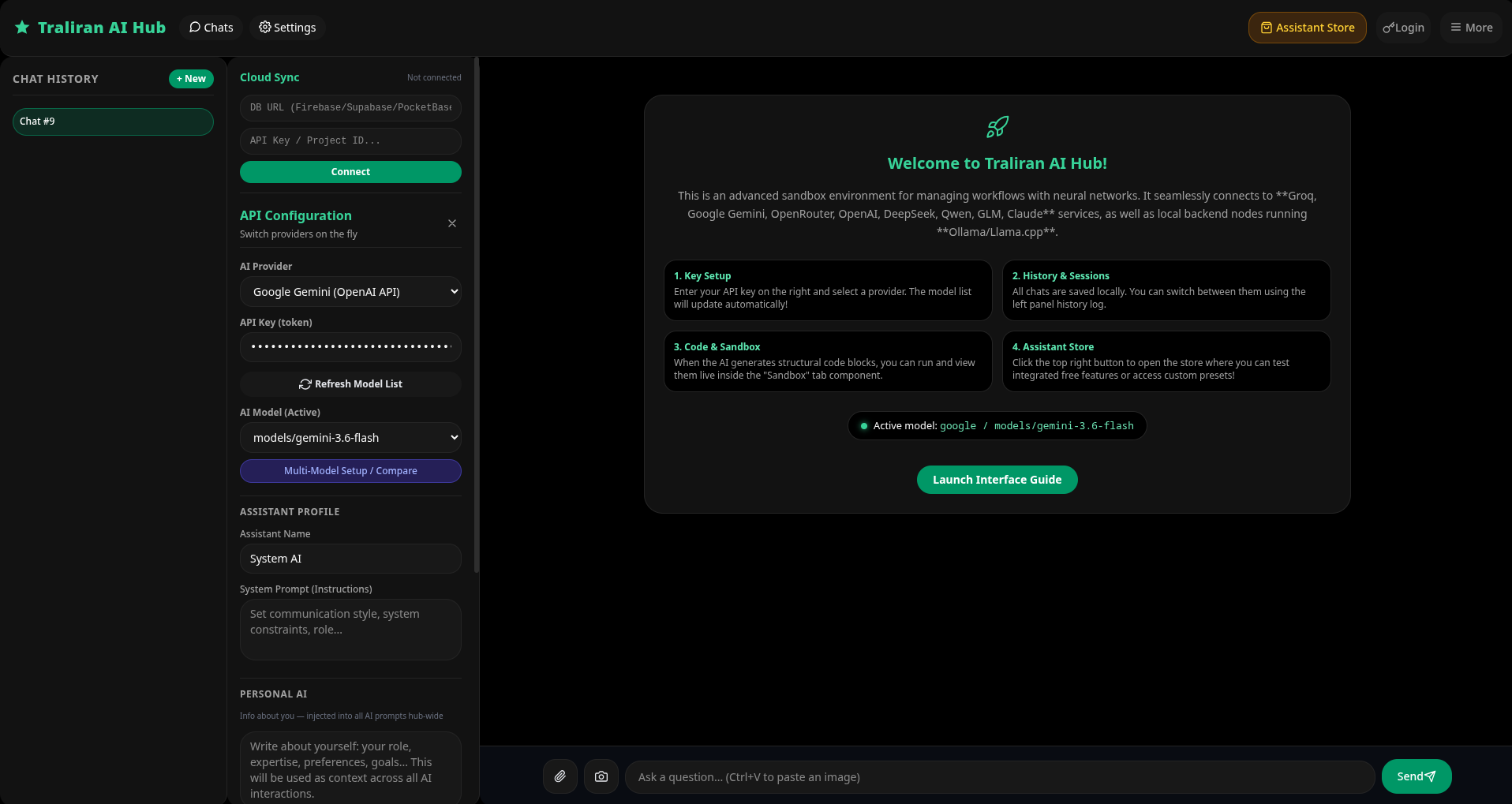
Connect directly to Groq, Gemini, OpenAI, OpenRouter, DeepSeek, Anthropic, and local LLMs (Ollama/Llama.cpp) without middlemen or server leaks.
Runs purely client-side in your browser storage.
API keys stay strictly in your LocalStorage.
Query multiple models side-by-side simultaneously.
Connect external tools via Streamable HTTP MCP.
Designed for developers, researchers, and power users who demand control and privacy.
Select multiple models across different providers (Groq, OpenAI, Claude) and evaluate responses side-by-side instantly.
Native rendering for reasoning models like DeepSeek-R1. Structural thoughts are organized into collapsible dropdowns.
Run multi-agent discussion loops where specialized personas (Optimist, Critic, Technologist) cross-examine your thesis.
Manage multi-file projects, edit code with syntax highlighting, preview HTML/JS live in an iframe, and export as ZIP.
Connect remote MCP servers over Streamable HTTP and expose dynamic tools to the AI agent loop seamlessly.
Easily hook up local instances of Ollama or Llama.cpp to run fully offline models without internet dependencies.
A full-fledged in-browser IDE for code generation, editing, and project management, powered by your chosen AI model.
Connect remote MCP servers over Streamable HTTP and expose their tools to the AI as function-calling tools — just like an IDE agent. The model decides when to call a tool, the hub proxies the call, feeds the result back, and repeats. Works with any Streamable HTTP MCP endpoint; configure servers in the 🧩 MCP Servers modal.
MCP lets you plug external tools into the chat. The client (mcp.js) speaks JSON-RPC 2.0 over Streamable HTTP to any remote MCP server and turns its tools into OpenAI-style function tools used by the agentic loop.
Open 🧩 MCP Servers, enter a name + URL (and an optional Bearer auth header), hit Add & Connect. Servers are saved in LocalStorage and auto-reconnect on startup. You can also add one from the console:
const entry = MCP_MANAGER.add({ name: 'MyServer', url: 'https://host/mcp', authHeader: '' });
await MCP_MANAGER.connectOne(entry.id);
Write your own server: implement a POST endpoint handling initialize, notifications/initialized, tools/list, and tools/call, return an Mcp-Session-Id header, and emit CORS.
Note: the agentic MCP mode runs only when a single model is selected (it is disabled in multi-model compare mode), and your server must allow CORS from the app's domain.
Unlock production-ready system prompts and specialized configurations for scriptwriters, developers, and creators for just $4 – $6.
Skip hours of prompt tuning and get fine-tuned workflows instantly.